

Help the moment
you need it.
Global service network
Local service. On every continent you weld.
THEO and Maxphotonics run service offices across North America, Europe, Australia and Japan, backed by Maxphotonics service centers worldwide and a network of more than 100 certified THEO Partner locations. Wherever your machine runs, qualified help is close by.
The network in numbers
4
15+
100+
THEO service offices
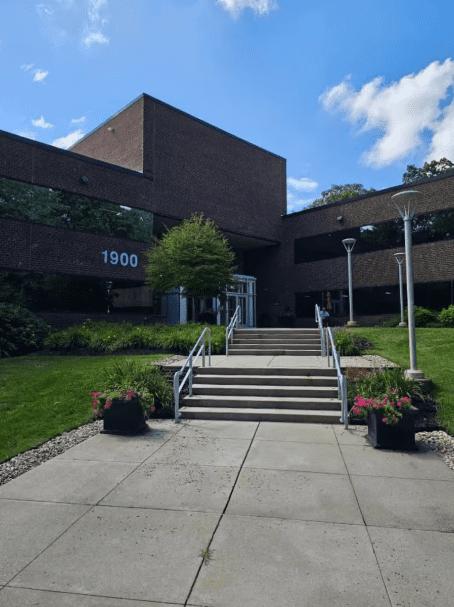
North America
THEO Laser Inc.
1900 W. Park Dr., Suite #150
Westborough, MA 01581
United States
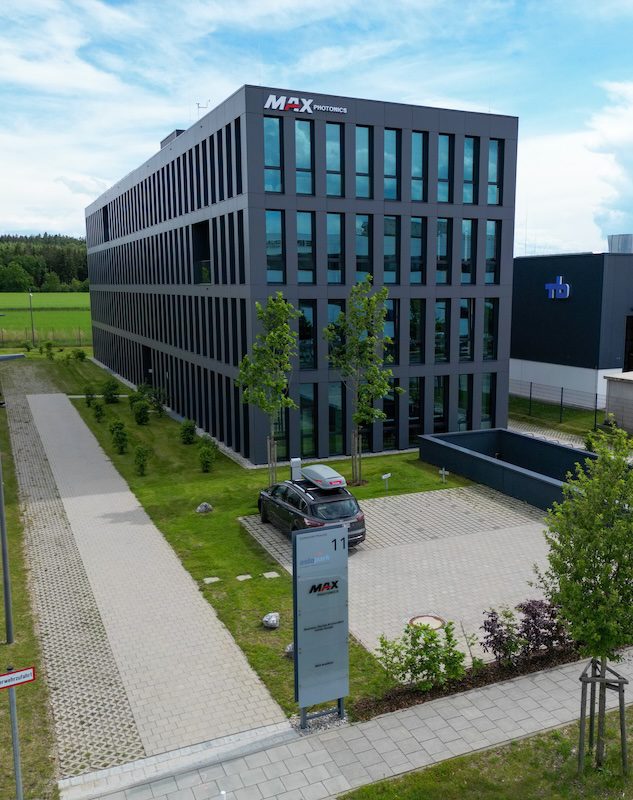
Europe
THEO Europe
c/o Maxphotonics GmbH
Dornierstrasse 11
82205 Gilching
Germany
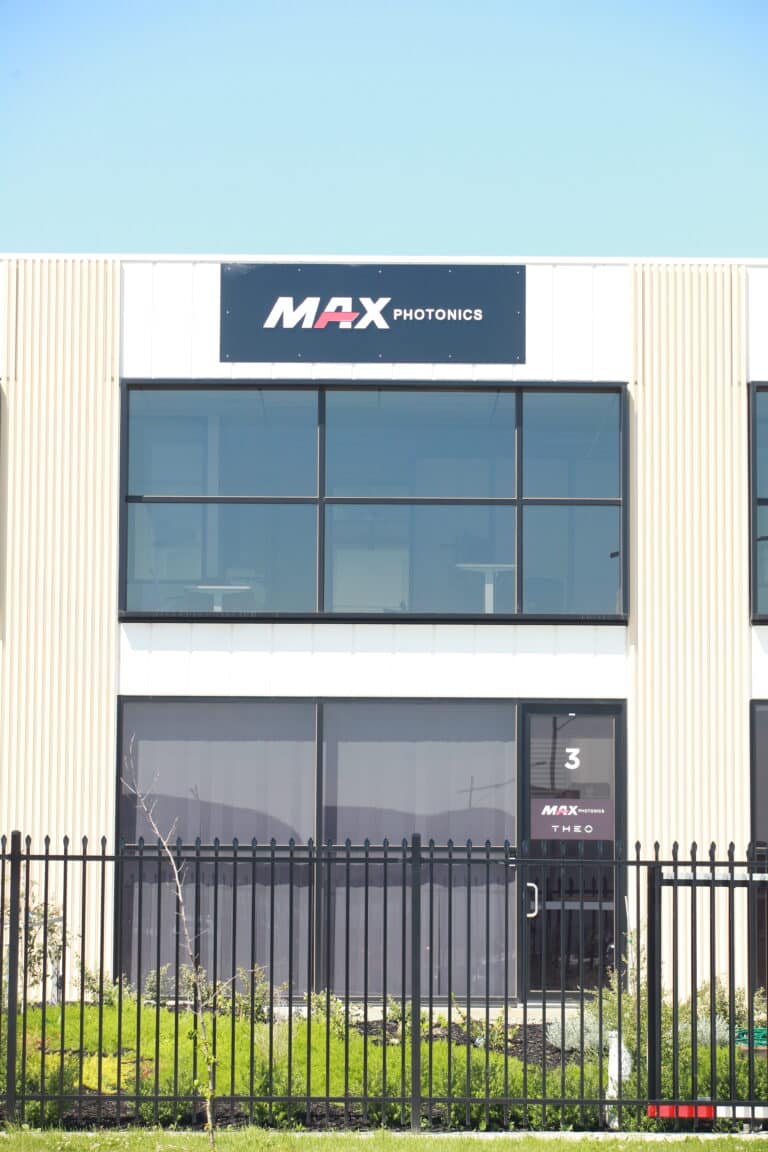
Australia
THEO Australia
c/o Maxphotonics
3/14 Robbins Circuit
Williamstown North, VIC 3016
Australia

Japan
THEO Japan
c/o Maxphotonics
Kanagawa
Japan
Backed by the Maxphotonics network
THEO is a brand of Maxphotonics. Every THEO customer is also covered by Maxphotonics’ service centers, application labs and regional spare parts hubs around the world.
Shenzhen (global HQ), Milano, Bursa, São Paulo, Ahmedabad, Hanoi, plus Maxphotonics application labs, training centers and spare parts hubs across more than 20 countries.
THEO Partners
More than 100 certified THEO Partner locations
Our biggest asset. Trained sales and service people within reach almost anywhere you operate: installation, consumables and hands-on support, close to your floor.
Bought your machine from a THEO Partner? They are your first contact for service and warranty.

Start here
Three ways to get unstuck
Self-serve first: it is the fastest route for most questions. Still stuck? Send a service request and an engineer calls you back.
Ask THEO AI
Trained on THEO manuals, settings and troubleshooting. Get a clear answer in seconds, any hour of the day.
Open THEO AISearch the knowledge base
Operator manuals, setup guides and video tutorials for the MA1 Series, the TM Series and accessories. Searchable and always on.
Browse articlesSend a service request
Need a person? Send your machine’s serial number, a description and a photo. A THEO engineer calls you back.
Send a requestSupport Hub
More help in the Support Hub
THEO Academy
Free online laser safety training. Finish it to get your permanent activation code.
THEO Toolbox app
Register your machine, keep the manuals in your pocket, send a service request.
Blog
How-to articles and news from the workshop floor.
Manuals
Operator manuals and setup guides for every THEO machine.
Tutorials
Setup videos for the MA1: unboxing, power, gas, accessories.
FAQs
Answers on laser welding, laser cleaning, laser safety, the THEO Toolbox app and service.
THEO AI
Meet THEO AI: support that never sleeps
Ask in plain language and get a precise, machine-specific answer. THEO AI knows the manuals, the parameter tables and the fixes our engineers use every day.
- Instant troubleshooting: describe the error, get the cause and the fix.
- Setup and settings: welding parameters, wire feeder, safety, first run.
- Knows when to escalate: hands you straight to a service request if it needs a human.
Before you need us
Register your machine
Registration gives your machine the two-year warranty instead of one. It takes a few minutes in the THEO Toolbox app: scan the code on the machine and confirm your details.

Talk to an engineer
Send a service request
Once we have your request, a THEO engineer calls you back.
1. Tell us what’s happening
Company, contact, machine serial number and a short description. Add a photo if you can: it speeds up diagnosis.
2. Get your case number
A confirmation email with your case number arrives right away.
3. We call you back
Your case goes straight to the right THEO or Maxphotonics engineer, who calls you, Monday to Friday.
Good to know
Support questions, answered
What do I need for a service request?
Your machine’s serial number, your company and contact details, the country the machine is in, and a description of the problem. A photo helps. One serial number per request.
I bought from a THEO Partner. Who do I contact?
Start with your THEO Partner. They are your first contact for service, warranty and spare parts. If that does not solve it, send us a service request.
How long is the warranty?
Two years for the machine, the torch and the laser source if you register the machine, one year if you do not. Wear parts such as nozzles and protective windows are not covered. The warranty policy has the details.
How do I register my machine?
In the THEO Toolbox app: scan the code on the machine and follow the steps. Register your machine.
What is the activation code?
Your machine starts with a temporary code. You get the permanent code once you have completed the laser safety course in the THEO Academy.
Do you repair machines that are out of warranty?
Yes. Parts and labor are billed. The warranty policy lists the terms.
Is THEO AI a person?
No. THEO AI is an AI assistant trained on THEO’s manuals. If you need an engineer, send a service request.
Does THEO offer training, and where?
Yes. Most THEO Partners offer training and setup services when your machine is delivered. The THEO Academy has online courses, and the application labs in Gilching and Westborough offer hands-on sessions.
Where can I see or try a THEO machine?
At your THEO Partner, at the application labs in Gilching and Westborough, or with the trial offer.
